
Multi-Language Support

Rupali
Last Update 4 maanden geleden
The Multi-Language Support feature allows the Price Drop Button text to be displayed in the same language selected by the visitor on your Shopify store. This ensures a seamless and localized experience for international customers.
How It Works:
Steps:
How It Works:
When a visitor selects a language on your Shopify store, the Price Drop Button will automatically display the text in that corresponding language, as you configured it.
Steps:
- Go to the Home page and turn ON the Support Multi-languages switch.

2. Next, go to Settings > Button text option.
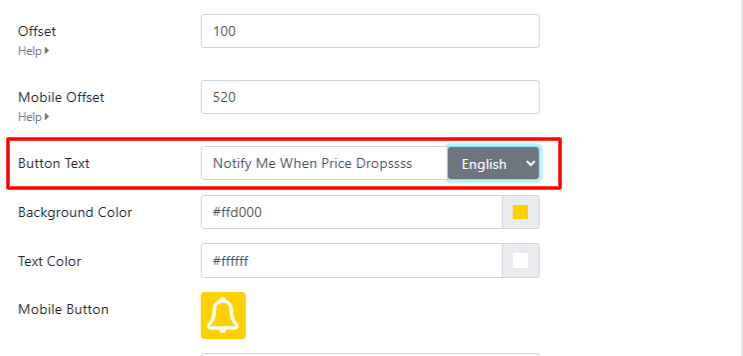
3. For each active language in your Shopify store:
- Select the language from the dropdown.
- Enter the button text you wish to display for that language.
4. Save your changes.
Note:
- Make sure your Shopify store has multiple languages enabled from your Shopify admin before setting button text for each one.
- This feature is available only on the Basic plan.